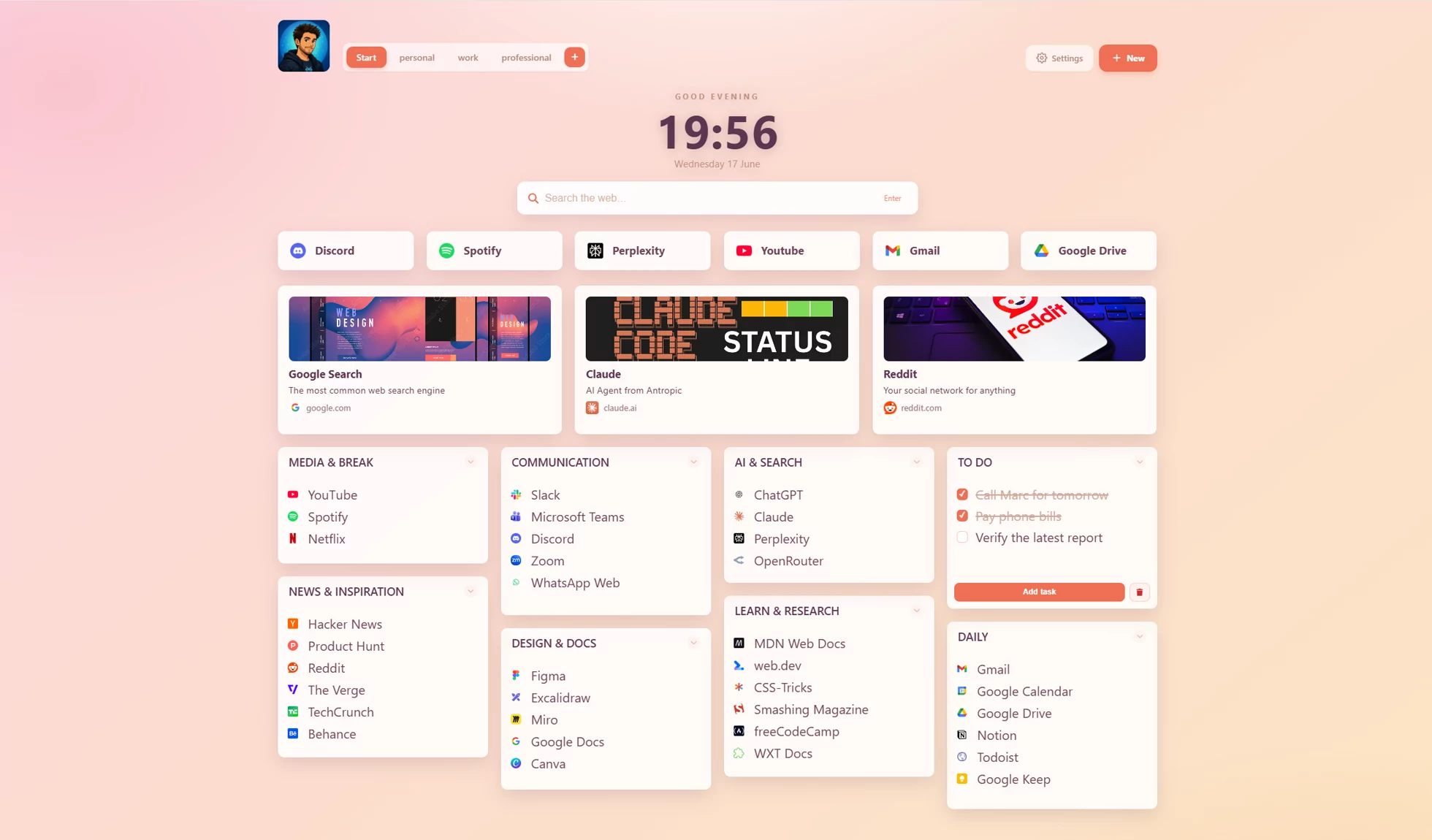
Bring your team’s links, tools, and project resources together
in a shared board. Keep it up to date together, right from
the new tab you already open every day.
Bring team links and project resources into a shared board. One Full owner hosts it; collaborators view for free and can edit with an owner-issued key.
BUILD TOGETHER
A board the team can keep useful.
Bring project links, reference notes, and useful resources into one shared workspace. Invite trusted teammates to edit as the work evolves.
Collaborators view and edit on the Free plan
Edits save automatically, with local recovery for pending work
Name, replace or revoke edit keys independently
KEEP EVERYONE INFORMED
You curate. Your team stays in the loop.
Maintain a board of onboarding links, team tools, or reference material. Teammates follow your updates with viewing access.
Shared boards are read-only by default
Subscribers receive board updates in ReadyTab
Publish a separate web board for people without the extension
One owner pays. The team joins free. Full is CHF 25/year, with no paid editor seats.
Keep your personal links and workflows alongside your team’s
shared boards. Your everyday tools are still here, and most are free.
Multiple workspaces
Separate work, personal, and project
contexts. Switch with a tap - each space has
its own groups, links, and background.
∞ local spaces, free
Desktop launcher
Open folders, files, and commands straight from
your dashboard with the optional companion for
Windows, macOS, and Linux.
Spotlight search
Hit / or Ctrl+Space to
fuzzy-search every link across every space -
with a web search fallback.
One-click routines
Bundle everything you open together into a
single button. Fire off links, apps, files,
folders, clipboard snippets, and workspace
switches in one sequence - your morning standup,
a project's whole toolchain, or a focus setup,
all from one click.
Protected workspaces
Encrypt sensitive spaces with AES-256, locally.
Optional cloud sync
Keep your own devices in sync with encrypted cloud
dashboards, manual saves or optional automatic sync.
13 built-in themes
Plus a full theme editor - included free.
Rich content boards
Go beyond links: add headings, callouts, code
blocks, step lists, images, and profile, link
& file cards - plus shortcuts right on the
board. Build a space that reads like a page.
Publish public boards
Share any space as a read-only public link
anyone can open in their browser - no extension
required. Encrypted in your browser, and you
choose what's included.
Shared team boards
Follow a shared board for free. With Full, host your
own and create named edit keys for people or
groups. Manage each key independently.
Import, export & share
Export JSON, import browser bookmarks, duplicate
groups, and share spaces by code that others
import as local copies.
Available in 11 languages
The whole interface in English, German, Spanish,
French, Italian, Japanese, Korean, Portuguese,
Russian, Chinese & Croatian - follows your
browser or your choice.
Your first board
Bring your bookmarks. Make it yours.
Import what you already use, pick popular sites, or start with an empty group.
Choose the bookmarks you want
Select folders or individual links, then assign each group to a workspace before importing. Your browser bookmarks stay untouched.
Build a useful starting board
Pick from 18 popular sites, create groups with your own names, and add large icon shortcuts. New groups fill available columns. Bookmark and popular-site groups fit their contents and compact automatically.
See changes as you make them
Adjust your theme, clock, search and other essentials right on the start screen. Undo your first import or additions if you change your mind.
Cross-device
Your dashboard, on every device
ReadyTab Sync brings your personal dashboard to your
other computers. Sync spaces, links, notes and tasks
with browser-side encryption. Choose manual sync or
enable automatic updates. Also included in Full.
Encrypted in your browser before it syncs -
we store only unreadable blobs
Version history - restore a saved version
Local by default - sync only runs when you
turn it on
A look inside
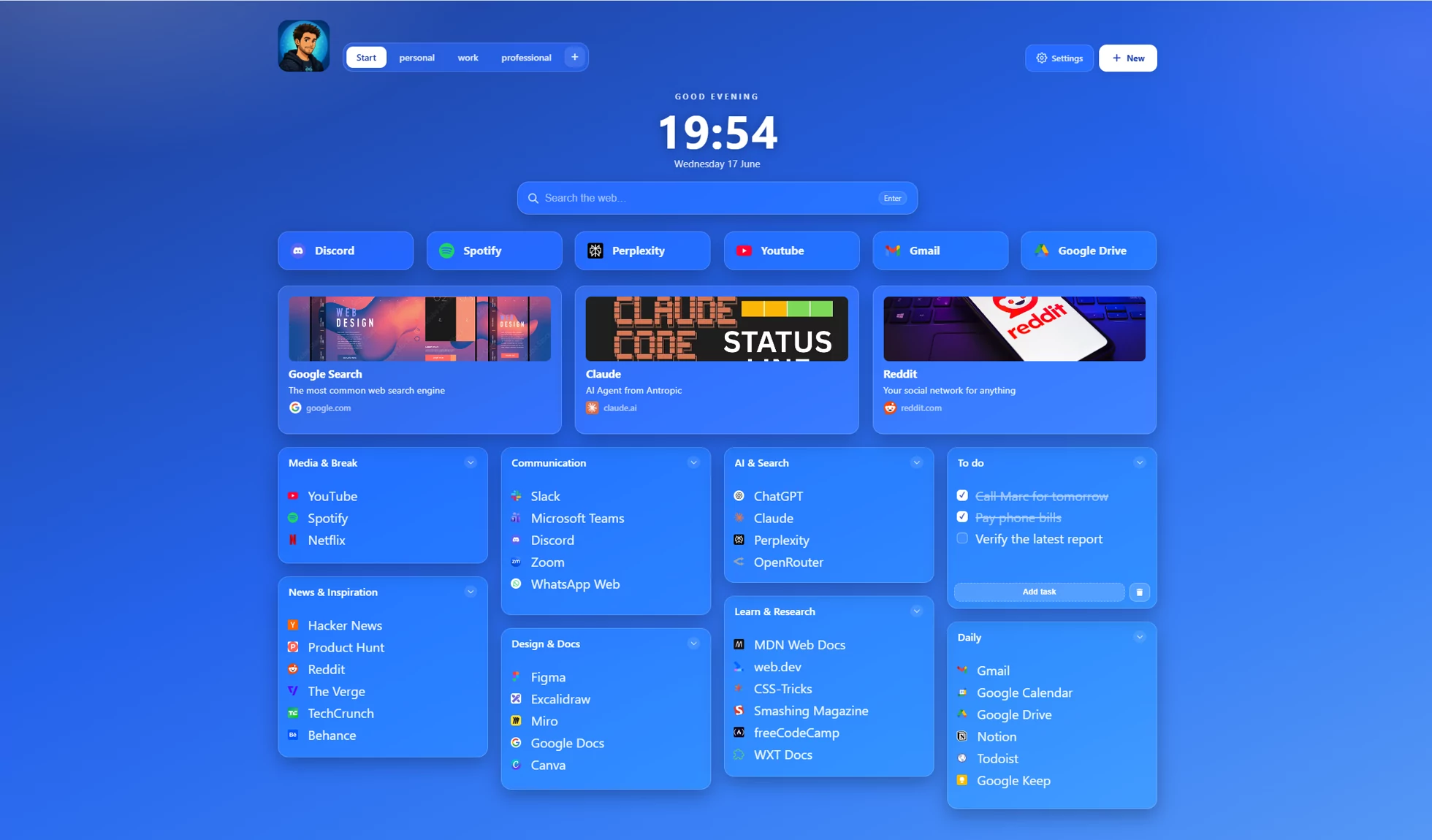
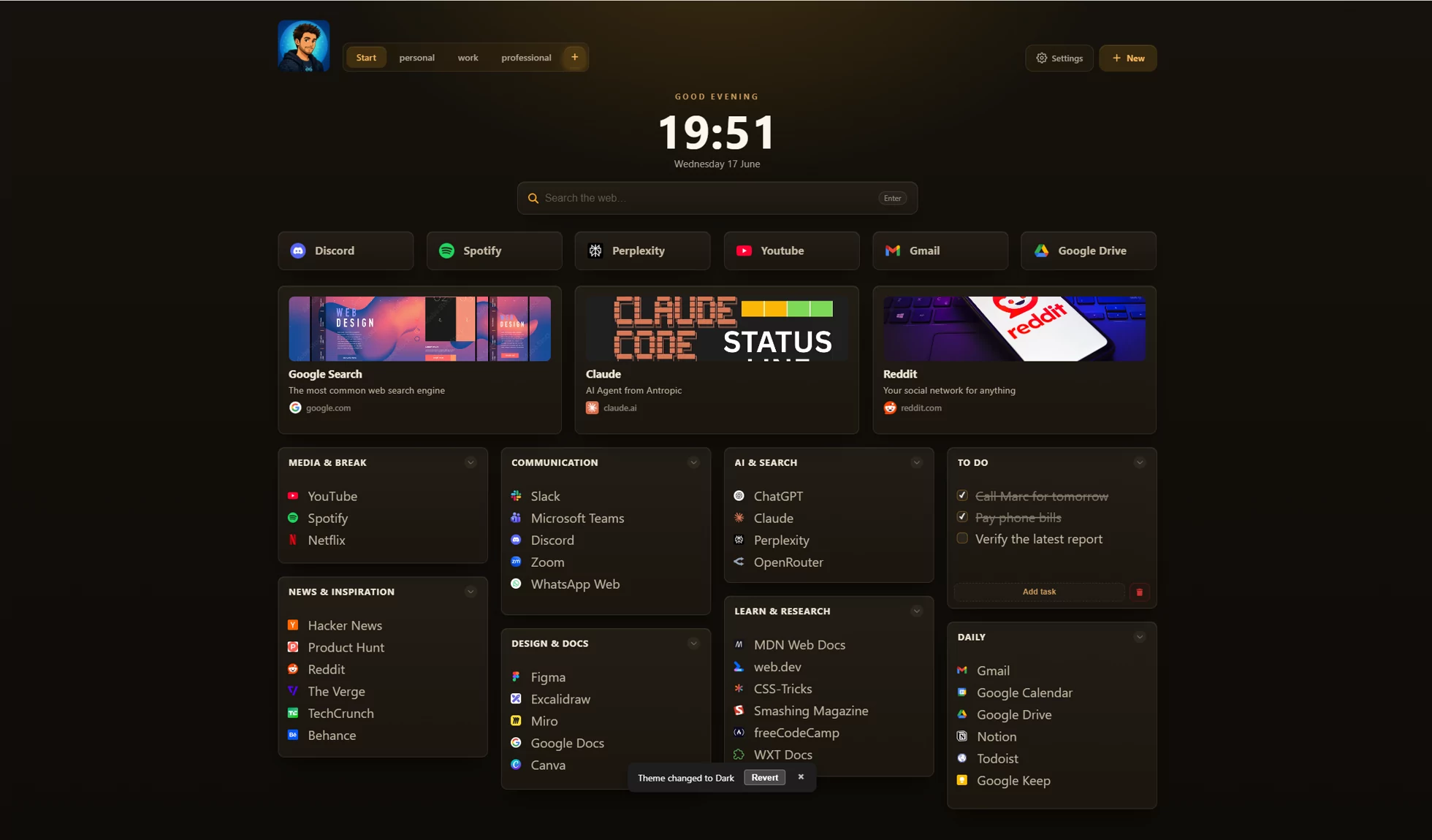
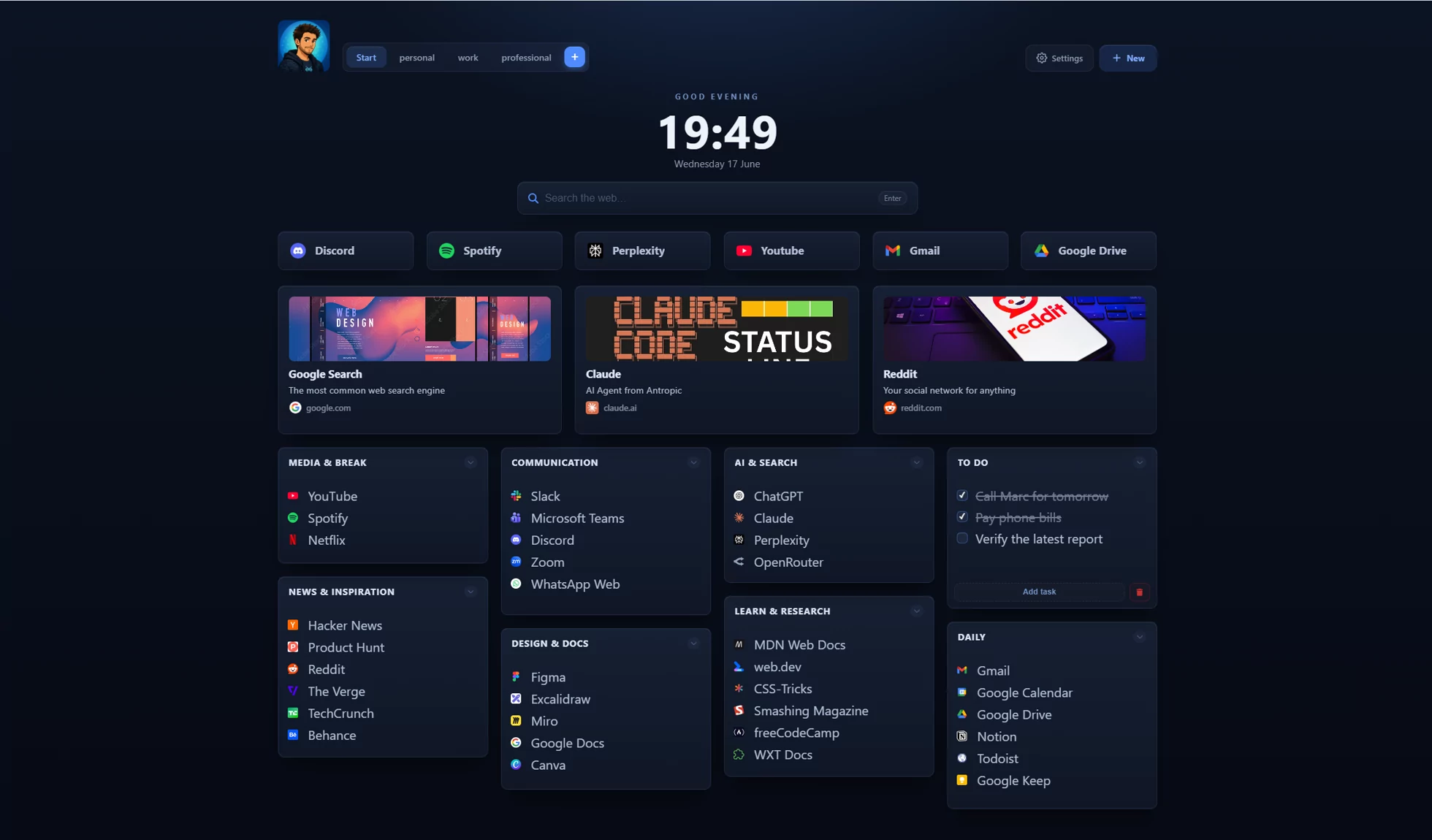
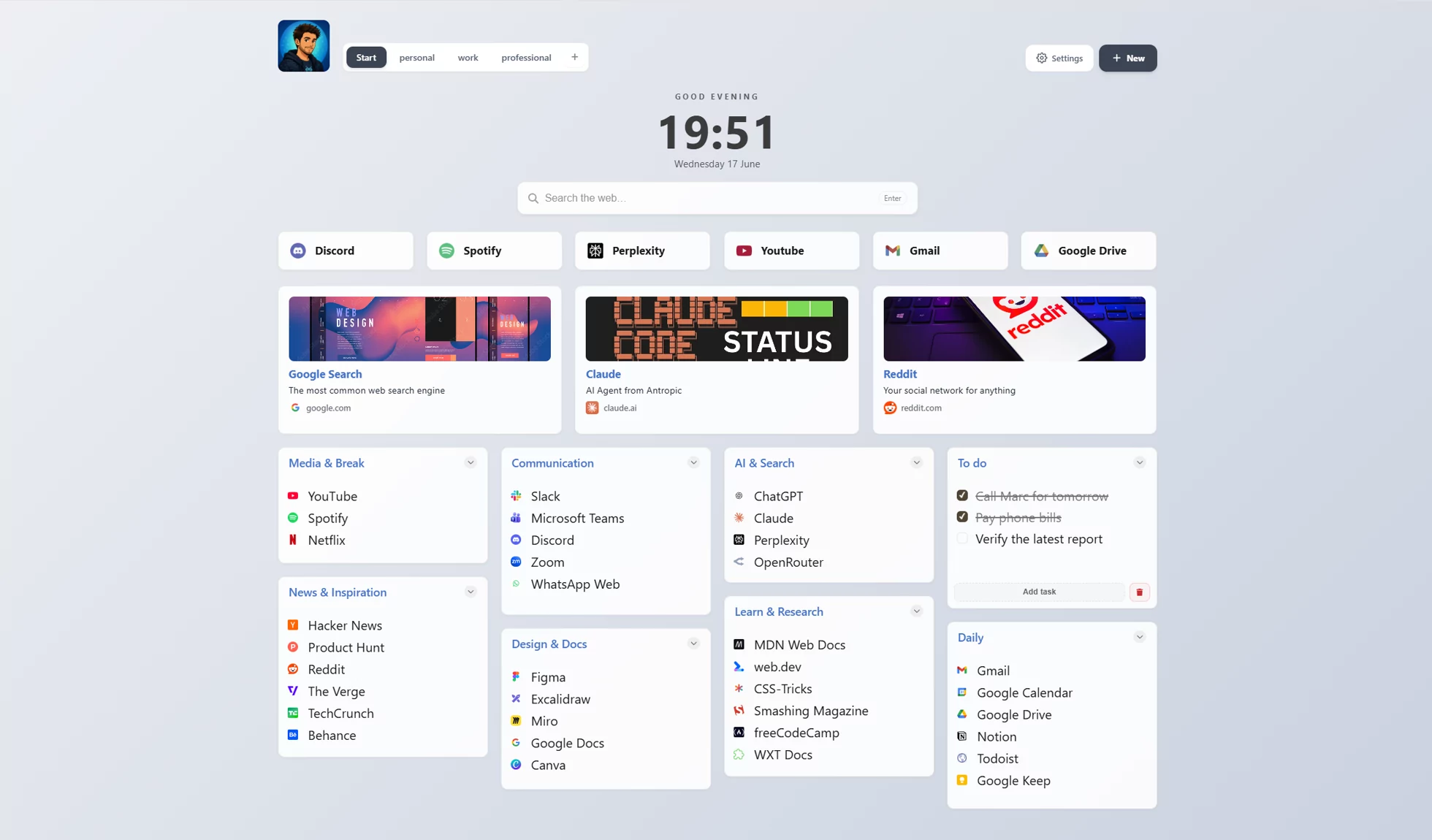
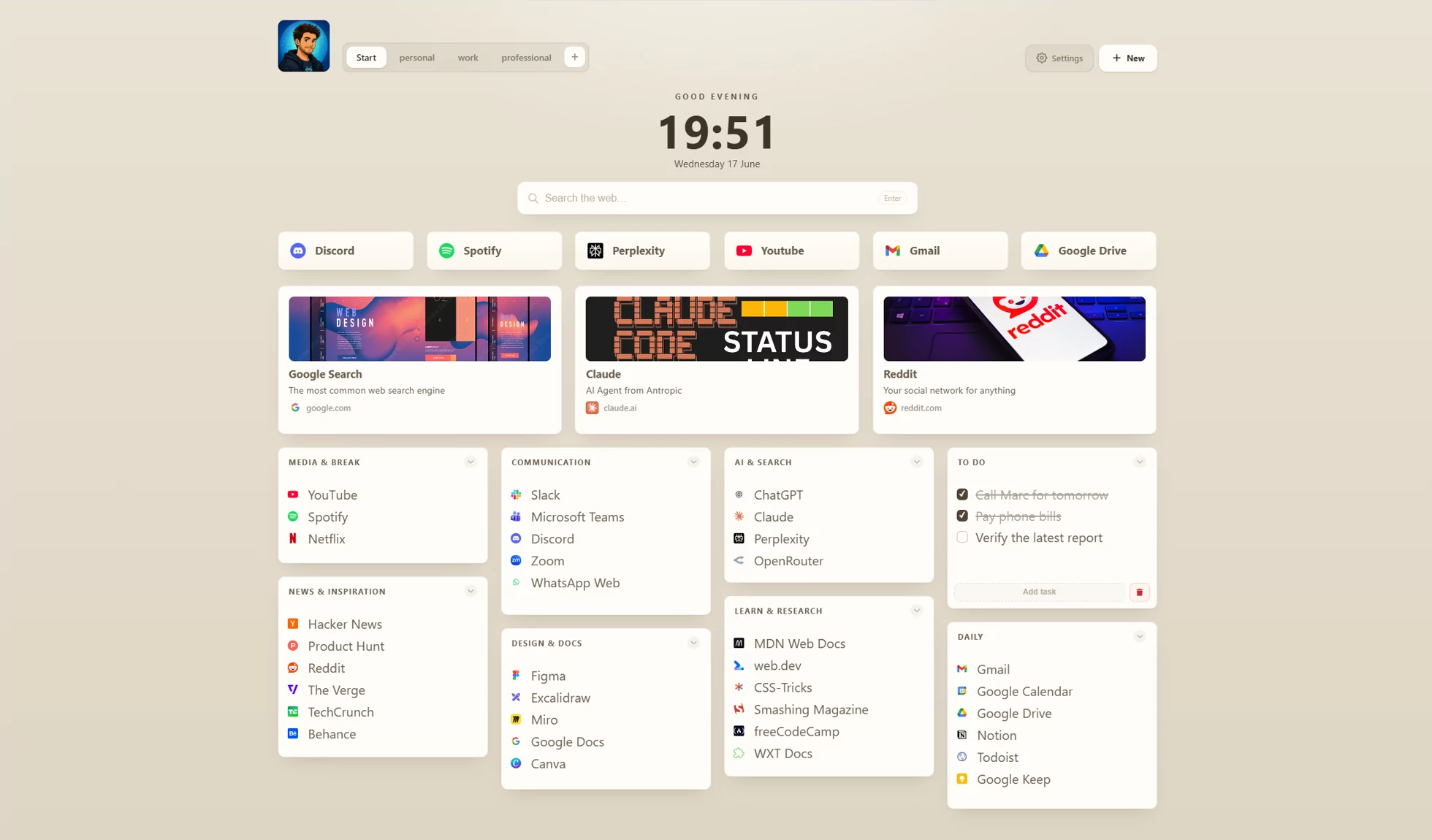
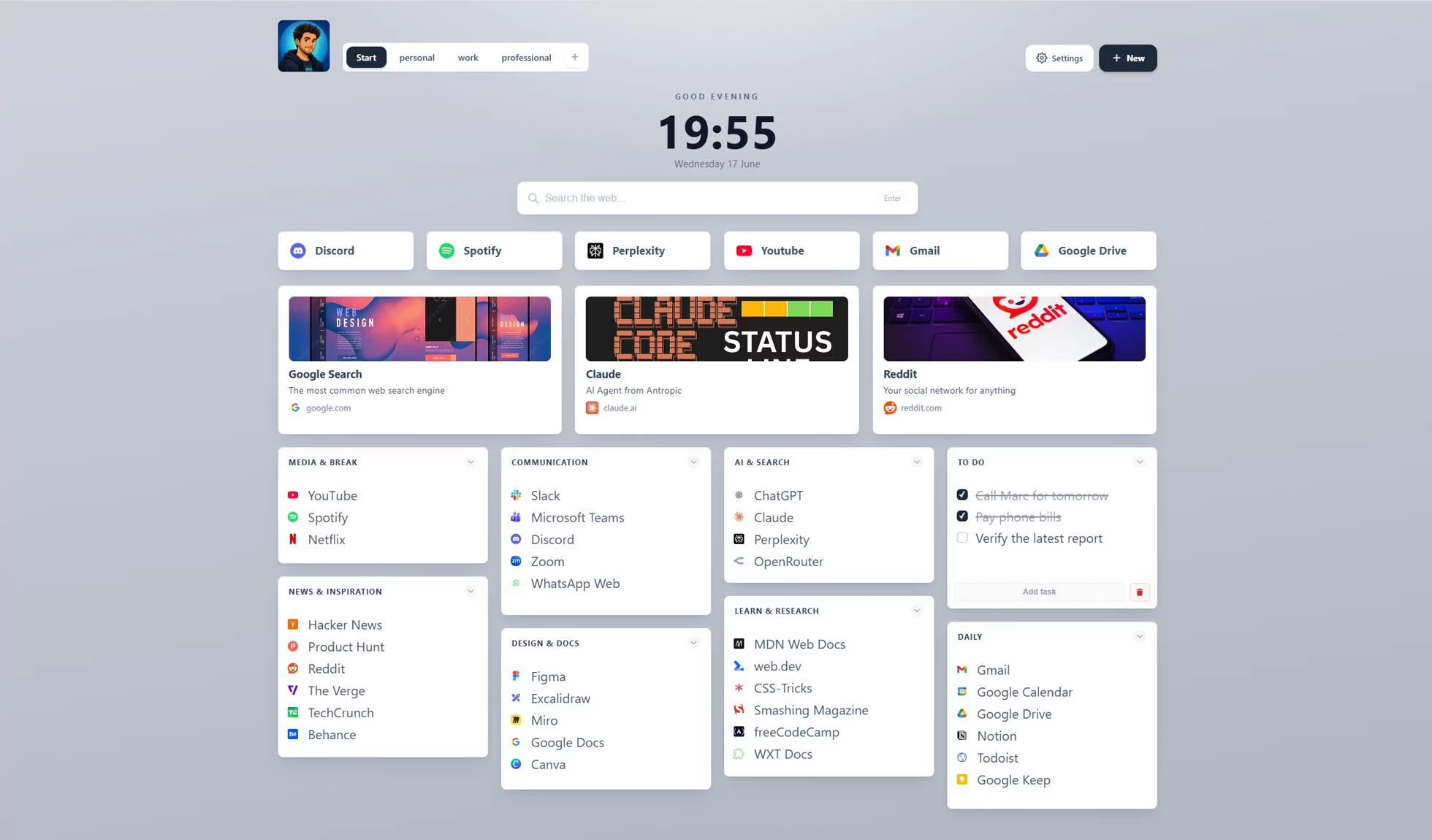
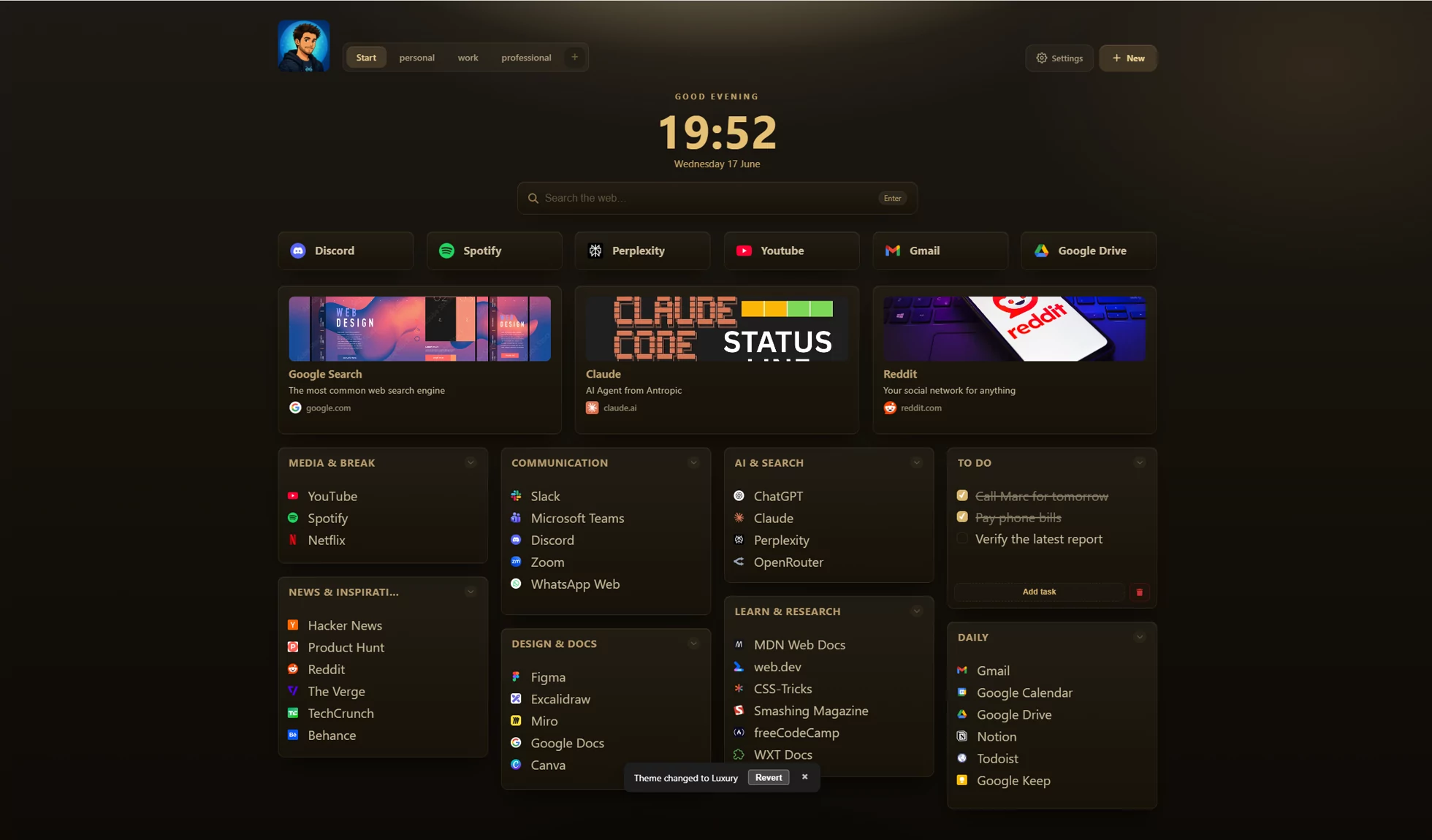
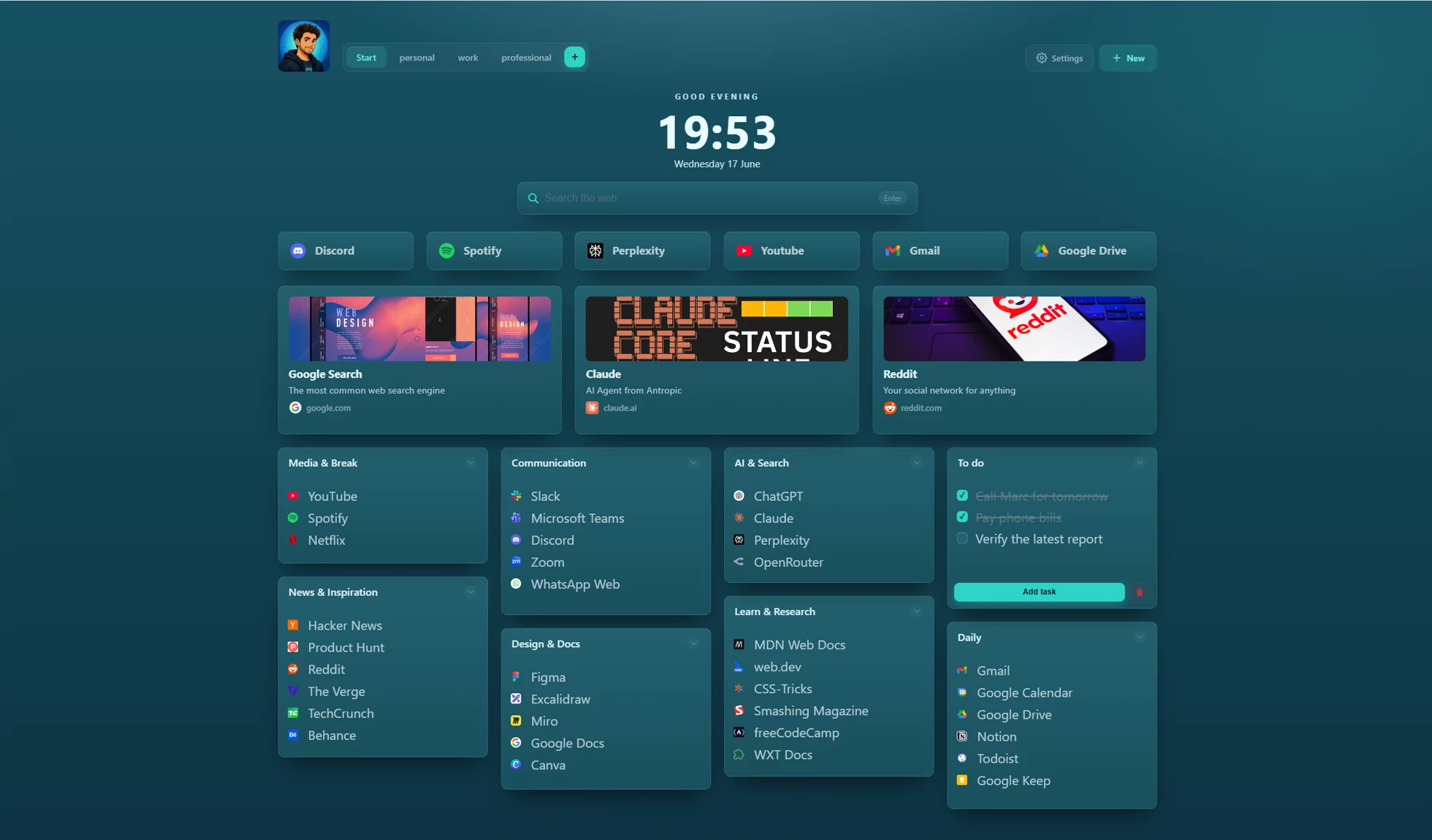
Beautiful in every theme
A clean, powerful interface that bends to your
taste.
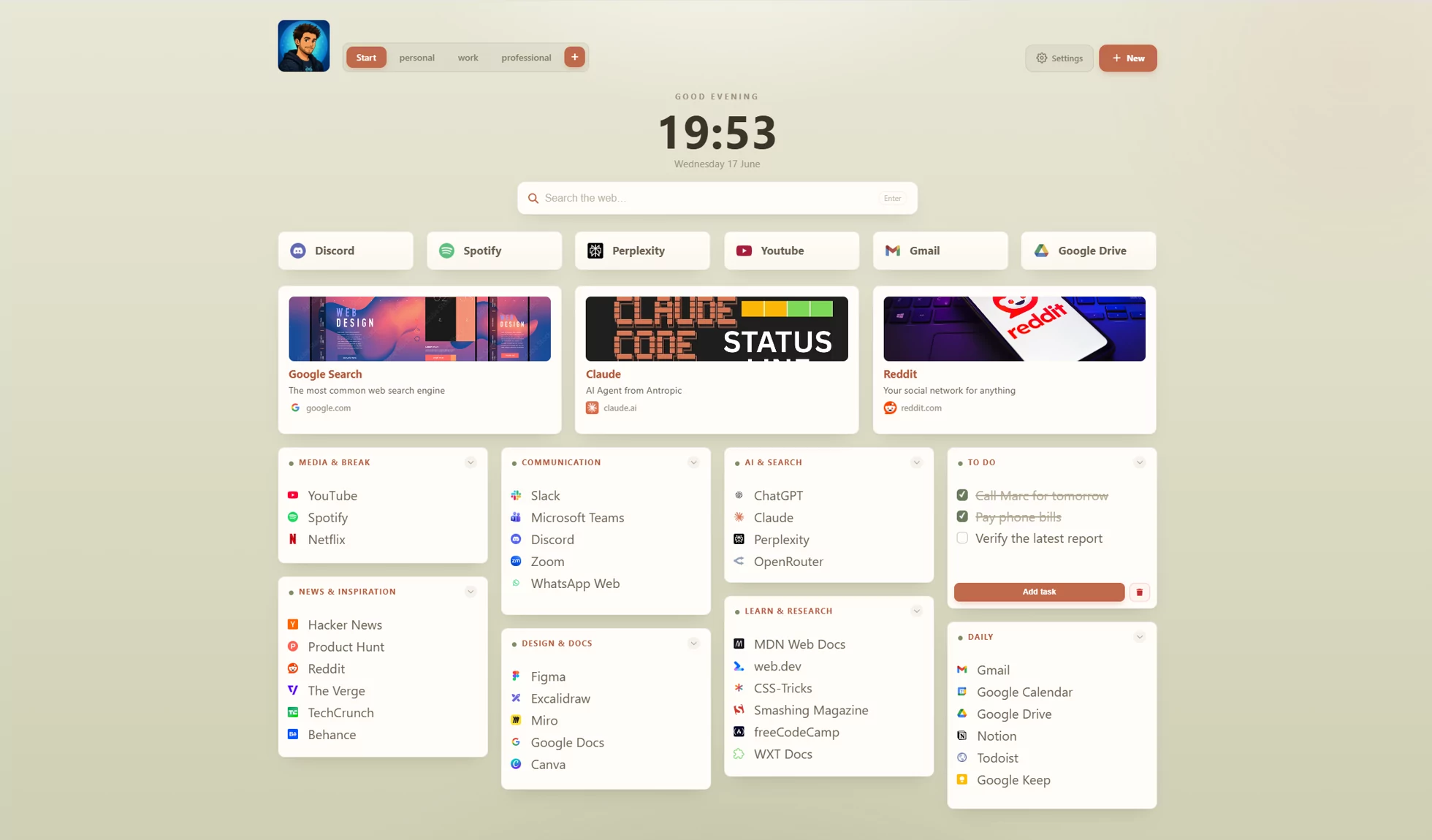
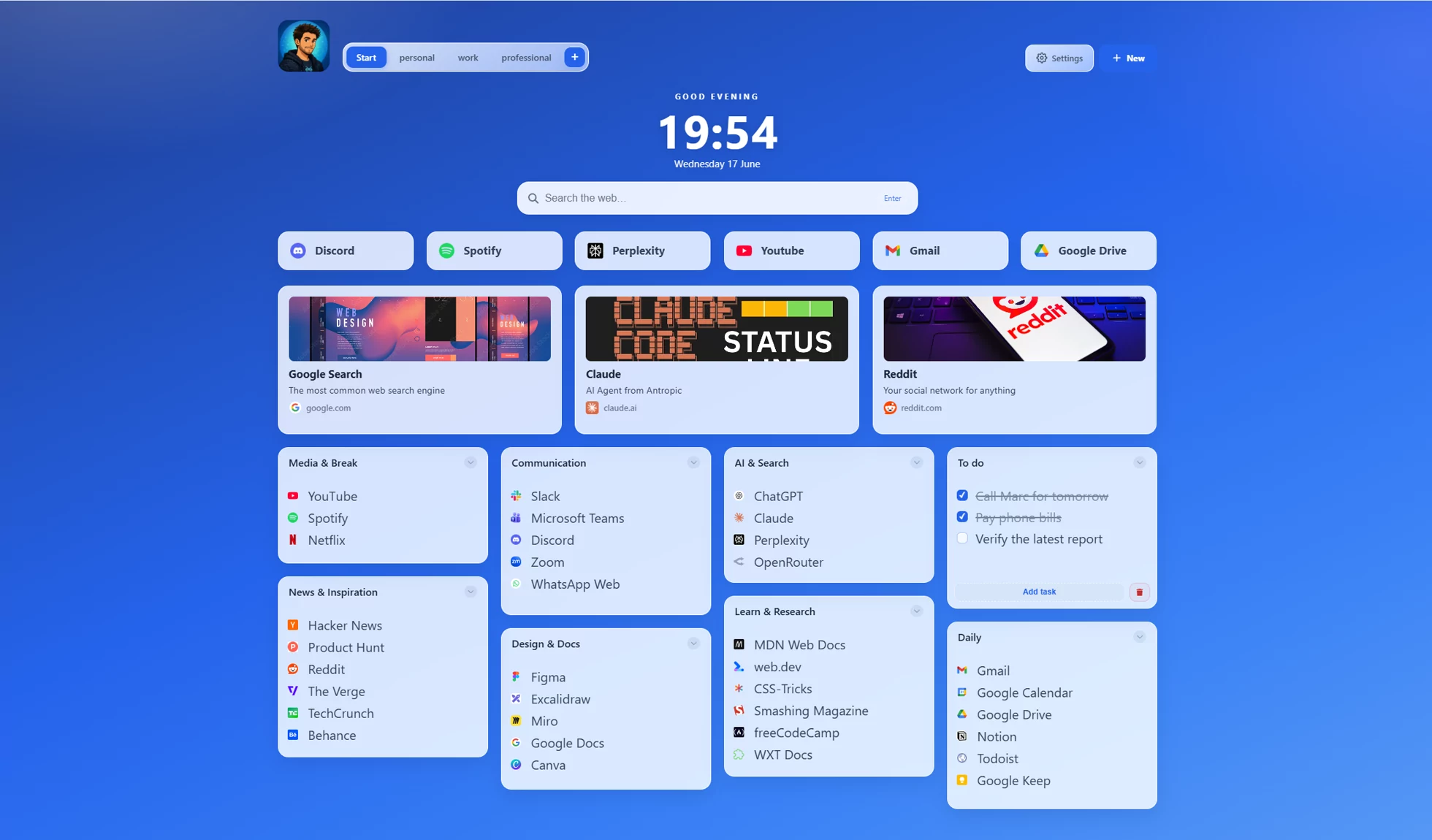
Aurora Glass
Glassy and vibrant
Dark
Easy on the eyes
Midnight
Deep, focused dark
Light
Bright and minimal
Simple
Warm and minimal
Professional
Clean and businesslike
Luxury
Premium gold aesthetics
Ocean
Calm blue depths
Nordic
Muted Scandinavian tones
Frost
Cool, crisp and clean
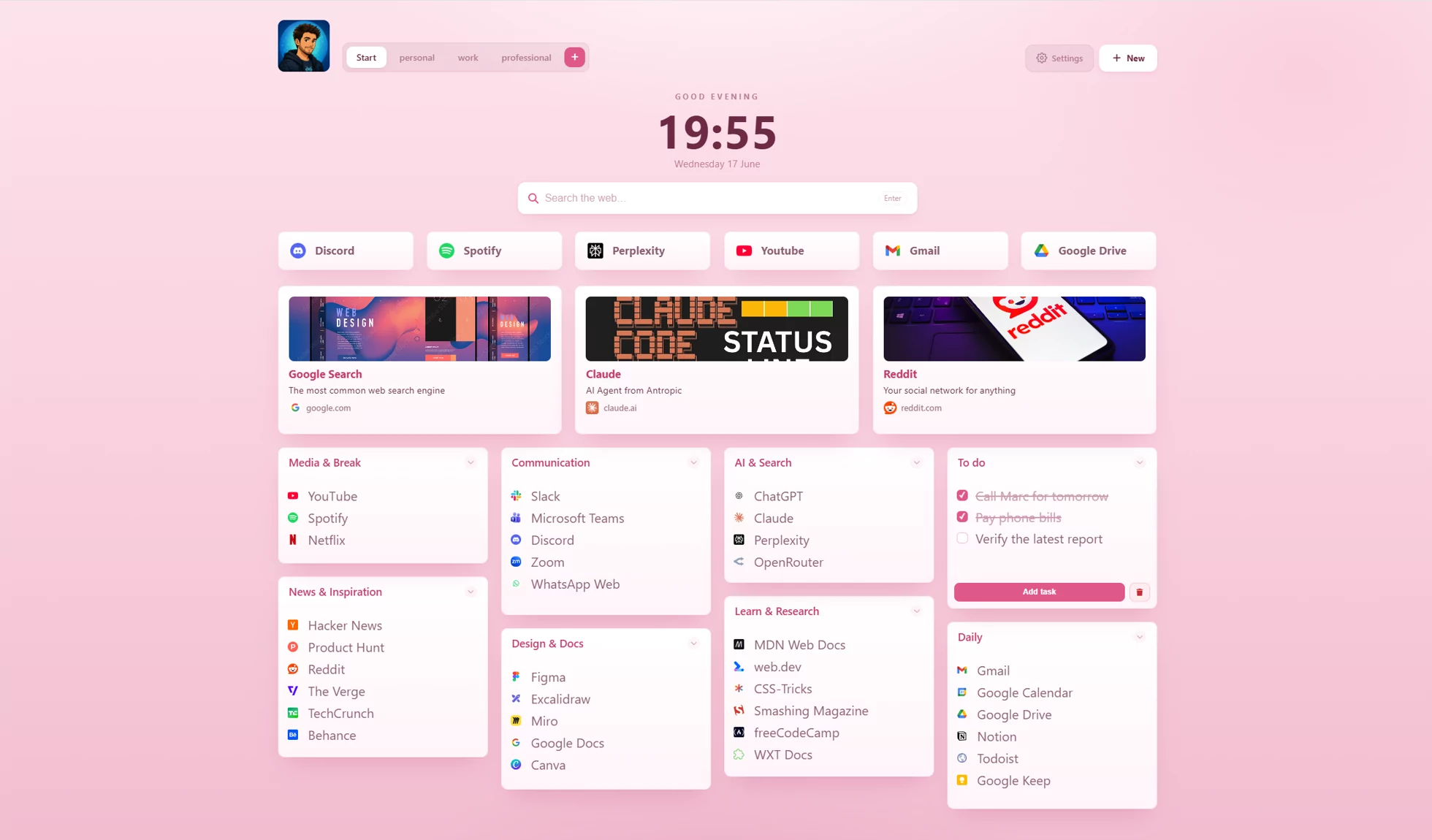
Sakura
Gentle cherry blossom
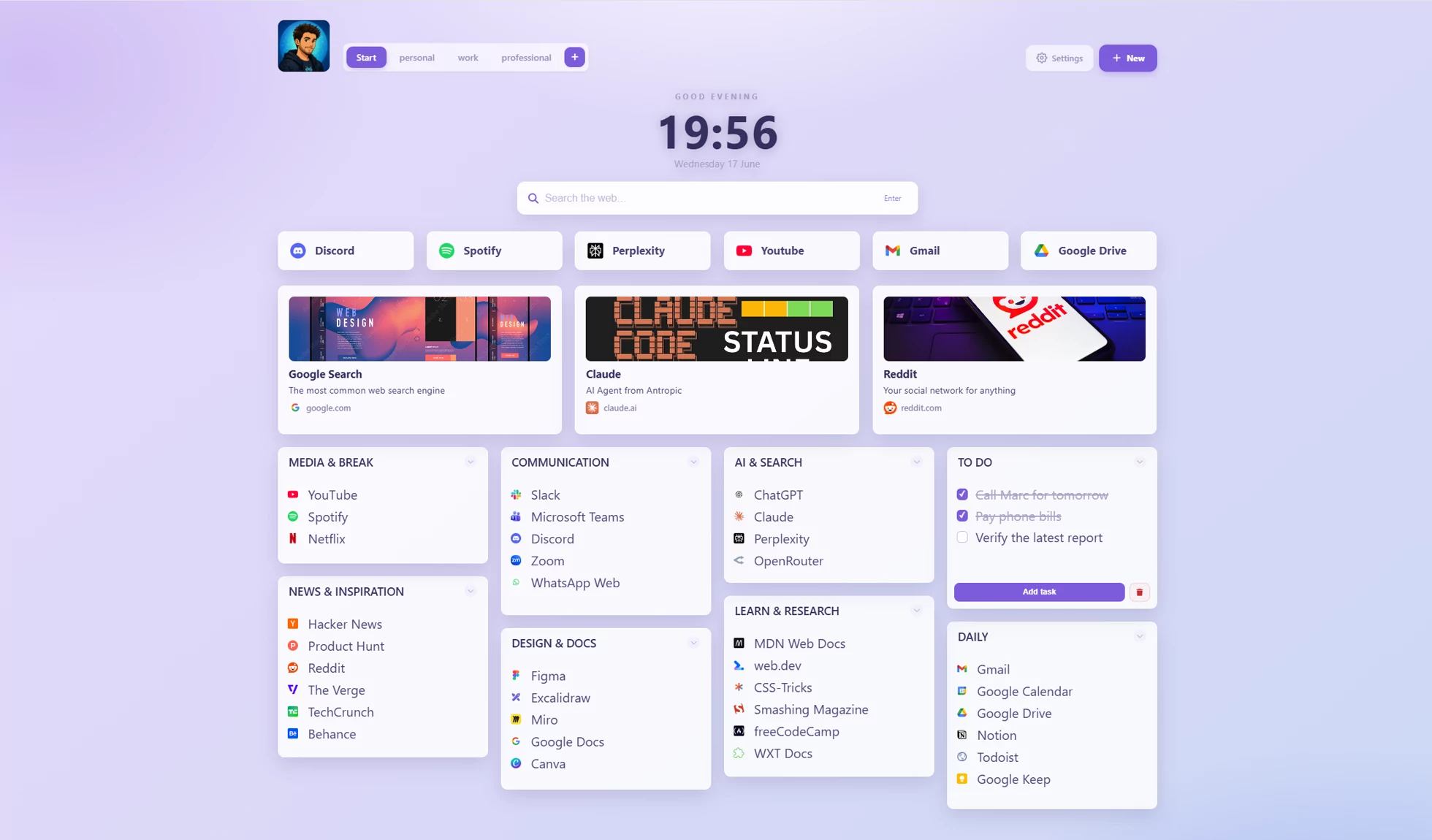
Lavender
Soft purple calm
Pastel Sunset
Warm pastel gradients
Choose your plan
One owner’s plan. A whole team welcome.
Choose Full to host shared boards. Your teammates join and collaborate for free. Working on your own? Start with Free or add personal Sync.
Free
Your own workspace, plus a place on the team.
CHF 0 / forever
Unlimited local workspaces, groups and links
Bookmark import and the new start screen
Spotlight search, notes, tasks and routines
Themes, full theme editor, custom CSS and backgrounds
Desktop launchers with the free companion app
Join shared boards; edit with the owner’s edit key
Full is the owner’s plan for sharing and teams, with no separate paid editor seats. Public web boards remain read-only; editing a shared board requires the ReadyTab extension and the owner’s edit key. Compare the plans in detail or see all purchase options.
Give your team a place to start.
Build your first board for free. Add Full when you’re ready
to share it with your team.